
DiagZone Pro APK Setup & Online Activation Guide (2026 Edition)
What is DiagZone Pro?
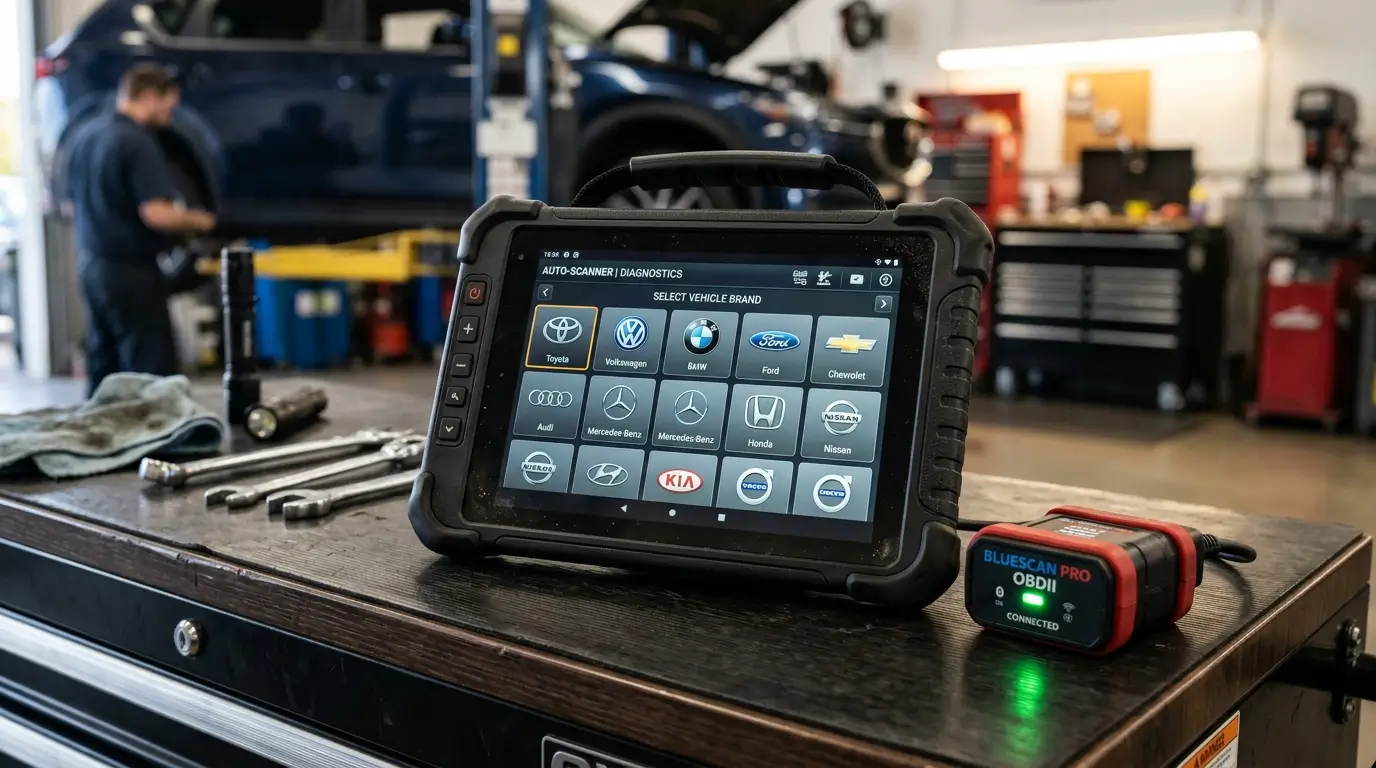
DiagZone Pro is widely recognized by automotive technicians, mobile mechanics, and workshop owners as one of the most powerful and versatile Android-based diagnostic software platforms. By pairing an economical OBD2 connector (such as ThinkDiag 1, ThinkDiag 2, Kingbolen Ediag, or EasyDiag) with the DiagZone server network, you unlock dealership-level capabilities across 250+ global vehicle brands.
Compatible OBD2 Hardware
Before beginning software installation, ensure your adapter is supported:
- ThinkDiag 1: Supports standard CAN, K-Line, and ISO protocols. Outstanding coverage for older and modern passenger vehicles.
- ThinkDiag 2: Equipped with the modern CAN-FD protocol, essential for diagnosing 2020+ GM vehicles, new Ford models, and BMW G-series platforms.
- Kingbolen Ediag & Ediag Plus: Reliable Bluetooth 5.0 hardware with dual CAN bus architecture.
- EasyDiag 2.0 / 3.0 & Golo: Legacy adapters that can be converted with proper firmware updates.
Step-by-Step Installation Procedure
- Download the Official APK: Download the latest stable DiagZone Pro application file directly to your Android device (Android 7.0 to 14+ supported).
- Enable Unknown Sources: Go to your Android Settings > Security > Install Unknown Apps, and grant permission to your browser or file manager.
- Install & Launch: Complete the installation and open DiagZone Pro. Grant requested permissions for Bluetooth, Location (required for Bluetooth BLE scanning on Android), and Storage.
- Device Registration: Enter your adapter''s 12-digit serial number and password. If you purchased an activation from CarFaultFix, our team links your serial number directly on the server within 10 to 30 minutes.
- Download Vehicle Brand Packages: Connect to a high-speed Wi-Fi network and download your required vehicle manufacturer software and service reset packs.
Key Diagnostic Features Unlocked
Once activated, DiagZone Pro delivers full-system automatic VIN scanning, bidirectional component actuations, ECU coding, variant coding, and 30+ specialized maintenance functions including EPB brake service, Oil life reset, SAS calibration, DPF regeneration, BMS battery matching, and Injector coding.