
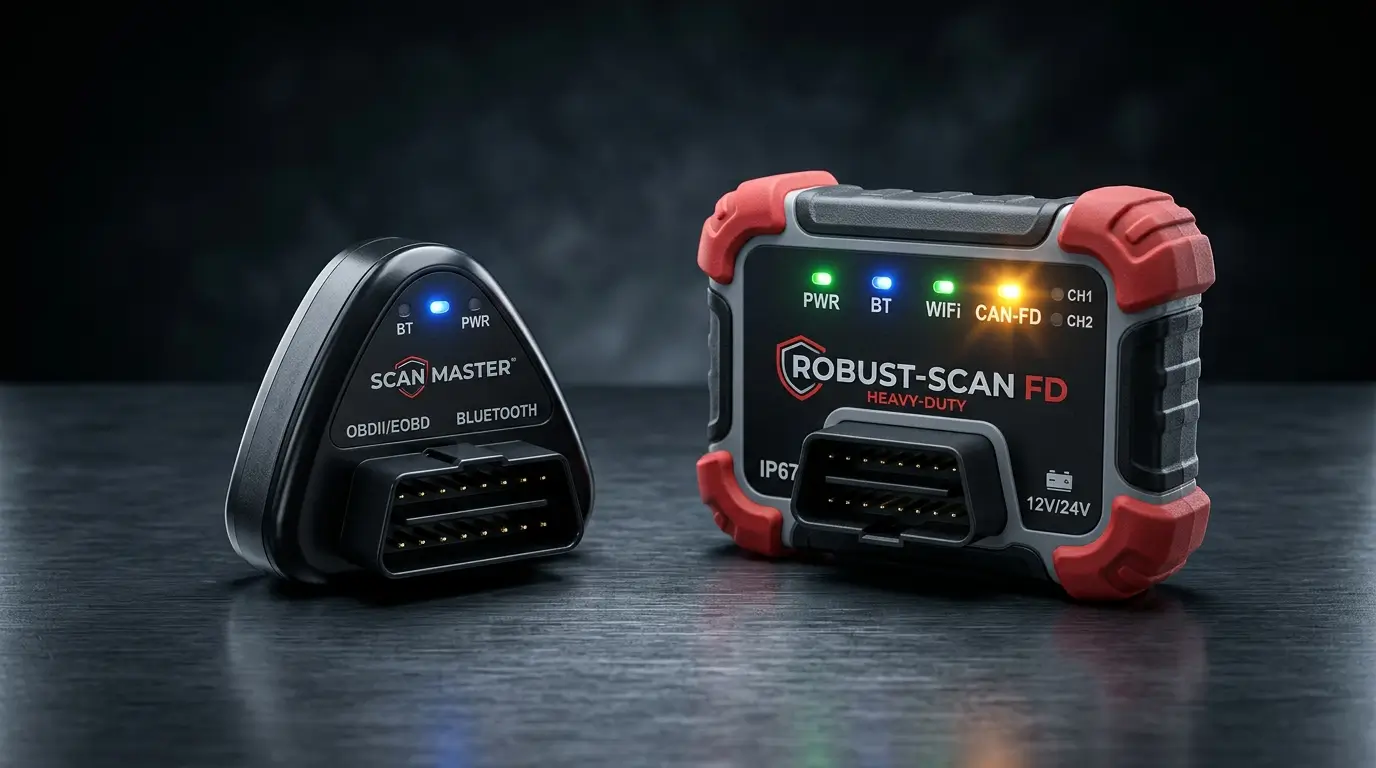
ThinkDiag 1 vs ThinkDiag 2: Which OBD2 Scanner Adapter Should You Choose?
Introduction: Comparing Launch / Thinkcar Hardware
When choosing an OBD2 adapter for professional diagnostics with DiagZone Pro or XDiag, technicians frequently debate between the classic ThinkDiag 1 and the upgraded ThinkDiag 2. Both tools pack incredible hardware into a pocket-sized dongle, but critical differences in protocol support and architecture make one better suited for modern vehicles.
Key Hardware Differences at a Glance
| Feature | ThinkDiag 1 | ThinkDiag 2 |
|---|---|---|
| CAN-FD Protocol | No (Requires external converter) | Built-in Native Hardware CAN-FD |
| Bluetooth Version | Bluetooth 4.2 BLE | Bluetooth 5.0 Dual-Band |
| Connection Cable | Plugs directly into OBD port | Included 16-pin extension cable |
| Data Transfer Speed | Standard (~500 kbps) | High-Speed (up to 5 Mbps on CAN-FD) |
| Indicator LEDs | Dual Color (Power / Bluetooth) | Tri-Color Status Ring |
Why CAN-FD Matters for Modern Workshops
CAN with Flexible Data-Rate (CAN-FD) is the automotive industry''s latest networking standard. Found on GM vehicles from 2020 onwards (Chevrolet Silverado, Corvette C8, Cadillac Escalade), as well as modern Ford, Hyundai, and Kia platforms, CAN-FD transmits data up to 8 times faster than legacy High-Speed CAN. If you connect a scanner without CAN-FD to these vehicles, the scanner will fail to communicate with the Body Control Module (BCM), Gateway, or Engine Control Unit.
Which Adapter Should You Buy?
If you primarily work on vehicles manufactured prior to 2020, the ThinkDiag 1 remains an economical, ultra-reliable choice. However, for professional workshops servicing newer fleets, the ThinkDiag 2 is future-proof and eliminates communication dropouts. Both adapters are fully supported with instant online activation at CarFaultFix.