
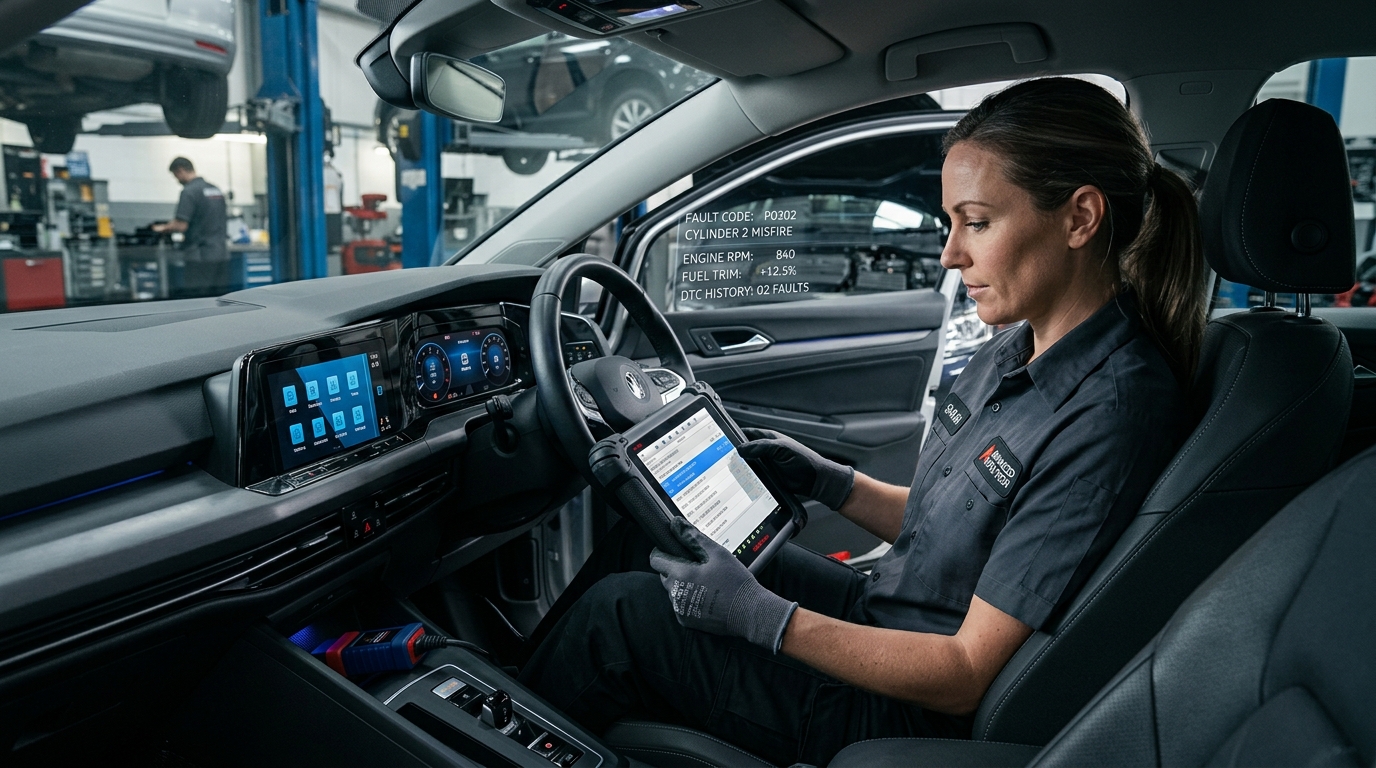
DiagZone, XDiag, HaynesPro and XPro5 Diagnostic Software Subscriptions: Complete Guide
DiagZone, XDiag, HaynesPro and XPro5 Diagnostic Software Subscriptions
Modern vehicles are more computerized, interconnected and software-dependent than ever. Basic code readers often cannot access important control modules, ECU coding functions, live data, bi-directional testing or full-system diagnostics.
This guide compares professional diagnostic solutions, including Diagzone Pro, XDiag Pro3, XPro5, ThinkDiag 2 and Launch X431. It also explains important functions such as ECU coding, J2534 pass-through, bi-directional testing and manufacturer-specific diagnostics.
Why Basic OBD2 Code Readers Are Often Not Enough
Entry-level OBD2 scanners generally focus on generic engine fault codes. Depending on the vehicle and software, they may not access important systems such as:
- Anti-lock Braking System (ABS)
- Supplemental Restraint System (SRS / Airbag)
- Body Control Module (BCM)
- Transmission Control Module (TCM)
- Advanced Driver Assistance Systems (ADAS)
- Immobilizer and key-related systems
Professional workshops require full-system diagnostics, bi-directional actuator tests, live sensor graphing, service resets, and module adaptations. The availability of these functions depends on the vehicle, diagnostic adapter, and active subscription service.
What to Look for in Professional Diagnostic Software
1. Vehicle and System Coverage
A long brand list does not always mean deep coverage. Ensure the software supports the systems your workshop services regularly, including ABS, SRS, transmission, body electronics, and ADAS calibrations.
2. Full-System Access
Full-system access allows reading and clearing trouble codes, viewing live sensor streams, and performing active actuator tests across all onboard computers.
3. Bi-Directional Testing
Bi-directional control enables sending commands to vehicle components: activating cooling fans, cycling ABS solenoids, or testing fuel pump relays directly from your scanner.
4. ECU Coding vs. Programming
ECU Coding: Configures software parameters after replacing modules, retrofitting accessories, or customizing customer features.
ECU Programming: Reflashes or updates raw firmware in a control unit, which requires manufacturer authorization and a stable battery support unit.
Professional Diagnostic Tools Compared
| Tool | Full-System Diagnostics | ECU Coding | Bi-Directional Testing | Typical Use |
|---|---|---|---|---|
| DiagZone Pro | Available for supported vehicles | Vehicle-dependent | Vehicle-dependent | Advanced multi-brand diagnostics & coding |
| XDiag Pro3 | Available for supported vehicles | Vehicle-dependent | Vehicle-dependent | Multi-brand scanning & service resets |
| XPro5 | Available for supported vehicles | Vehicle-dependent | Vehicle-dependent | General workshop diagnostics |
| ThinkDiag 2 | Software-dependent | Supported (CAN-FD) | Supported | Portable diagnostics & CAN-FD vehicles |
| Launch X431 | Available for supported vehicles | Vehicle-dependent | Vehicle-dependent | Professional workshop diagnostics |
Frequently Asked Questions
Can I use a basic OBD2 scanner on modern vehicles?
Yes, but only for generic emissions-related engine codes. Systems like ABS, Airbag, BCM, and ADAS require a full-system diagnostic subscription.
Do I need ECU coding for every repair?
No. Coding is typically only needed when replacing electronic control modules, installing batteries, replacing steering racks, or retrofitting factory options.
How fast is activation delivered?
At CarFaultFix, subscriptions for DiagZone Pro, XDiag, and HaynesPro are activated online within 10 to 30 minutes with 24/7 technical support.