
How to Choose the Right Automotive Diagnostic Software for Your Workshop
However, buying diagnostic software should not be based only on the number of features listed on a sales page. Vehicle coverage, adapter compatibility, update access and the functions you actually use every day are just as important. This guide explains what to check before choosing a platform for a workshop, mobile mechanic business or serious DIY use.
What Is Automotive Diagnostic Software?
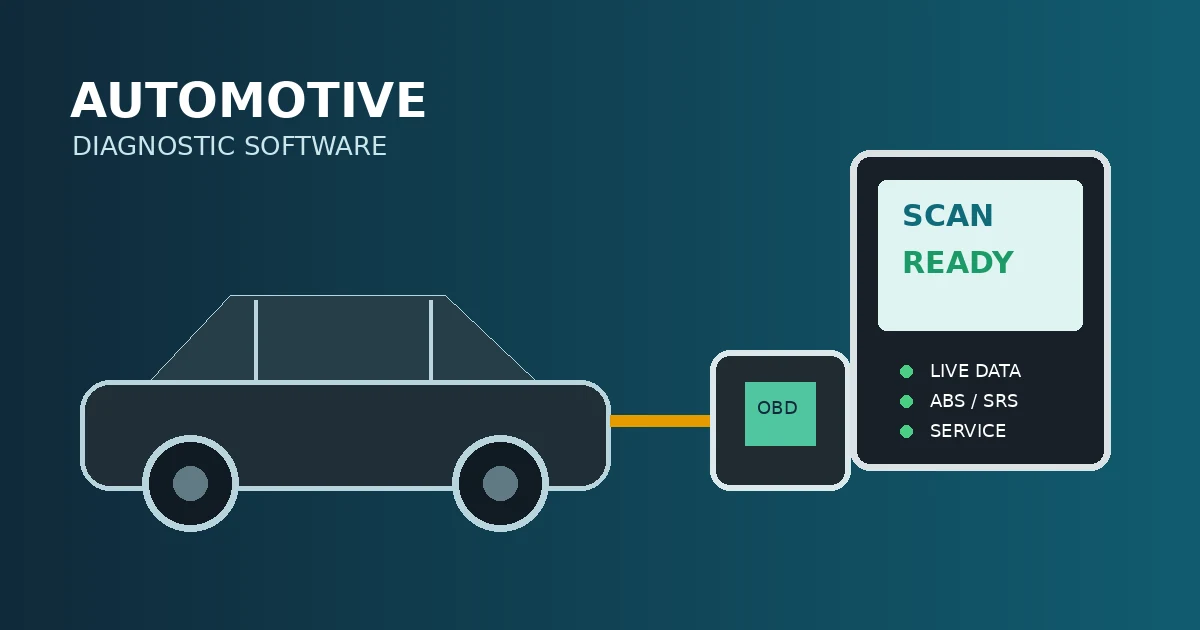
Automotive diagnostic software is a program or subscription that communicates with vehicle electronic control units through a compatible diagnostic interface. Depending on the vehicle and platform, it may read and clear trouble codes, display live data, run system scans and provide additional service functions.
Some software is designed for one manufacturer, while multi-brand platforms support many vehicle makes. Manufacturer-focused software can offer deep functions for a specific brand; multi-brand software is often more practical for independent workshops that work on different cars every day.
Diagnostic Software vs a Basic Code Reader
| Capability | Basic code reader | Professional diagnostic software |
|---|---|---|
| Engine fault codes | Usually available | Available with more detailed information |
| ABS, airbag and body modules | Often unavailable | Available when supported by the vehicle and interface |
| Live data | Limited or unavailable | More detailed parameters and data graphs |
| Service functions | Rare | May include resets, calibrations and relearns |
| Vehicle coverage | Usually limited | Can cover multiple manufacturers and systems |
| Workshop use | Basic checks | Repeated diagnosis and advanced troubleshooting |
Seven Things to Check Before Buying
1. Vehicle and model-year coverage
Start with your actual customer vehicles. Make a list of the manufacturers, model years and engines that enter your workshop most often. Then confirm that the software supports the required systems, not just the vehicle brand. A platform may support engine scanning but have limited access to ABS, SRS, transmission or body modules on a particular model.
2. Supported adapter and connection method
Diagnostic software does not work independently from the hardware interface. Check whether it supports your existing adapter, Android device, Windows computer or dedicated tablet. Also confirm the connection method, such as USB, Bluetooth or Wi-Fi, and make sure the interface is suitable for the protocols used by your target vehicles.
3. Live data and graphing
Live data is essential when a fault code does not identify the failed component by itself. Useful parameters may include fuel trims, oxygen-sensor readings, coolant temperature, airflow, rail pressure, battery voltage and misfire counters. Graphing can make intermittent changes easier to see than a list of numbers.
4. Service and special functions
Consider the tasks your workshop performs regularly. Depending on vehicle support, useful functions may include oil-service resets, electronic parking-brake service, battery registration, steering-angle calibration, injector coding, DPF procedures, throttle adaptation and diesel system tests. Always verify support for the exact vehicle before promising a function to a customer.
5. Update policy and activation
Ask how updates are delivered, how long access lasts and what happens when a subscription expires. Newer vehicles, updated communication systems and changed security requirements can affect diagnostic access. A clear activation process and transparent renewal policy are important for a business that depends on the tool every day.
6. Ease of use and support
A platform with many functions can still be frustrating if menus are difficult to understand or activation is unreliable. Look for clear vehicle selection, stable connection, useful fault descriptions and accessible technical support. Time lost troubleshooting the software is also a workshop cost.
7. Total value, not only the purchase price
Compare the total cost of the subscription, adapter, updates and any required device. A cheaper product may become more expensive if it has poor coverage or cannot perform the functions you need. The best value is the platform that completes useful jobs reliably and reduces diagnostic time.
Which Type of User Are You?
- Vehicle owner: A basic OBD2 reader may be enough for checking a simple engine warning, especially if you mainly want to decide whether professional diagnosis is needed.
- Mobile mechanic: Prioritize portability, wireless connection, fast vehicle identification, broad coverage and functions that can be used at the customer’s location.
- Independent workshop: Look for multi-brand coverage, full-system scans, live data, service functions and reliable updates for the vehicles common in your area.
- Brand specialist: Manufacturer-focused software may be preferable when your work is concentrated on one brand and requires deeper coding or programming functions.
Common Buying Mistakes
- Choosing software only because it lists many vehicle brands.
- Ignoring the required adapter or buying an incompatible interface.
- Assuming every listed function works on every model year.
- Using a code description as proof that a specific part has failed.
- Forgetting to check renewal, update and activation conditions.
- Buying software without confirming the operating system and device requirements.
How to Use Diagnostic Software Correctly
Begin with a complete scan and save the original report. Record stored, pending and history codes, then check whether several modules report related faults. Use live data and manufacturer-specific testing to confirm the cause before replacing a component.
After the repair, clear the relevant faults, complete the required relearn or service procedure when supported, and perform a road test. Scan the vehicle again to confirm that the problem has been resolved and no new communication or system codes have appeared.
Why Workshop Coverage Matters
Independent technicians often work on multiple brands in one day. Multi-brand diagnostic subscriptions can be useful when they provide access to the systems and functions required by the workshop’s real customer base. CarFaultFix offers diagnostic software options including DiagZone, XDiag, XPro5 and HaynesPro; check the individual product information for current vehicle coverage, compatibility and activation details before purchasing.
Frequently Asked Questions
Is automotive diagnostic software worth it?
It can be worthwhile when you regularly diagnose multiple vehicles or need access beyond basic engine codes. The value depends on coverage, reliability and how often the functions are used.
Can diagnostic software repair a car automatically?
No. Software provides information and may perform supported procedures, but a technician must interpret the data, test the vehicle and complete the physical repair.
Can one diagnostic platform work on every car?
No platform guarantees identical coverage on every vehicle. Confirm the exact manufacturer, model, year, engine and required function before buying or starting a job.
Final Advice
The best automotive diagnostic software is not necessarily the one with the longest feature list. Choose the platform that matches your vehicles, adapter, device, technical skills and daily workshop tasks. Confirm coverage before purchase, keep the software updated and use scan data as part of a complete diagnostic process.
Explore the available diagnostic software solutions at CarFaultFix and select the option that fits your workshop requirements.